Spotlight Reveal
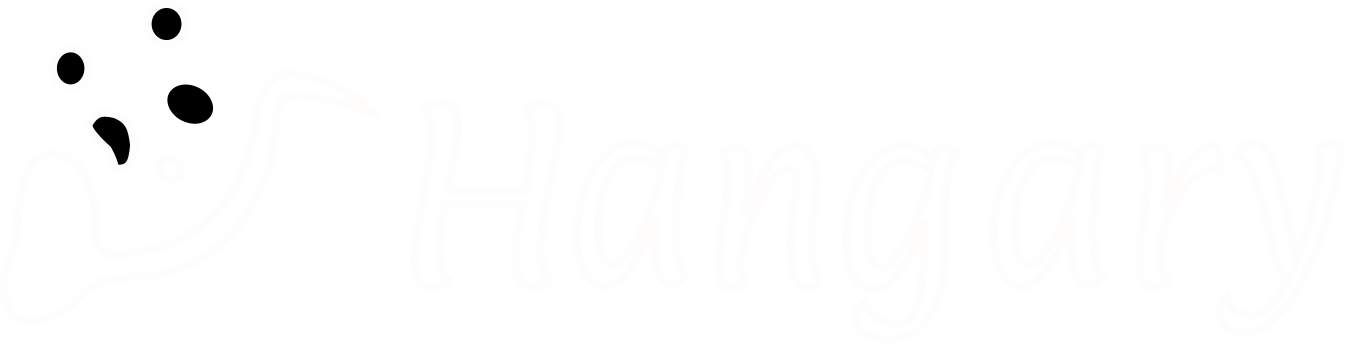
Reveal an image's color through a soft spotlight that follows your pointer. The rest of the artwork stays dim and grayscale.
Installation
bunx shadcn@latest add https://ui.razeev.com/r/spotlight-reveal.jsonUsage
tsx
import { SpotlightReveal } from "@/components/hangry-ui/components/spotlight-reveal";
<SpotlightReveal src="/artwork.svg" alt="My project artwork" />
<SpotlightReveal variant="stroke" alt="Hangry UI wordmark outline" />
<SpotlightReveal src="/artwork.svg" strokeSrc="/artwork-stroke.svg" variant="stroke" />
Props
src: Image URL. Defaults to/wordmark.svgfrom the public directory.variant:"default"for filled artwork or"stroke"for outline-only artwork. Defaults to"default".strokeSrc: Outline image URL. Defaults to/wordmark-stroke.svg. Supply a matching outline SVG when using custom artwork withvariant="stroke".alt: Image description. Defaults to an empty string for decorative artwork. Only the base image is announced.className: Additional frame classes. Defaults to a fixed width of 640px, a height of 256px, and a transparent background. Shrinks to fit smaller containers.
Setup notes
Uses Next.js Image with unoptimized so supplied SVGs and remote artwork load directly without an image optimizer or a remote host configuration. Artwork uses object-contain to preserve its aspect ratio. Override the frame dimensions with className.
Motion elements come from motion/react-client. Pointer handlers and spring hooks require the client boundary. Reduced motion removes spring smoothing and opacity transitions. Touch input keeps the static image, and the effect adds no tab stops. The decorative color layer does not intercept clicks.